Learning at BIT – BIT — Bitlogia Institute of Technology
FREE LIVE WORKSHOP GoHighLevel Masterclass — Friday, 4 September 2026 · 9–11 PM PKT · Online Register Free →
Learning at BIT

Education becomes valuable when it produces evidence.

BIT combines live instruction, practical demonstrations, guided builds, applied assignments, feedback, and capstone work so learners leave with proof of what they can do.

The tools may change. The discipline of understanding a problem, building a solution, testing it, and presenting the result remains valuable.
Explore Programs Attend a Masterclass Speak with Admissions →
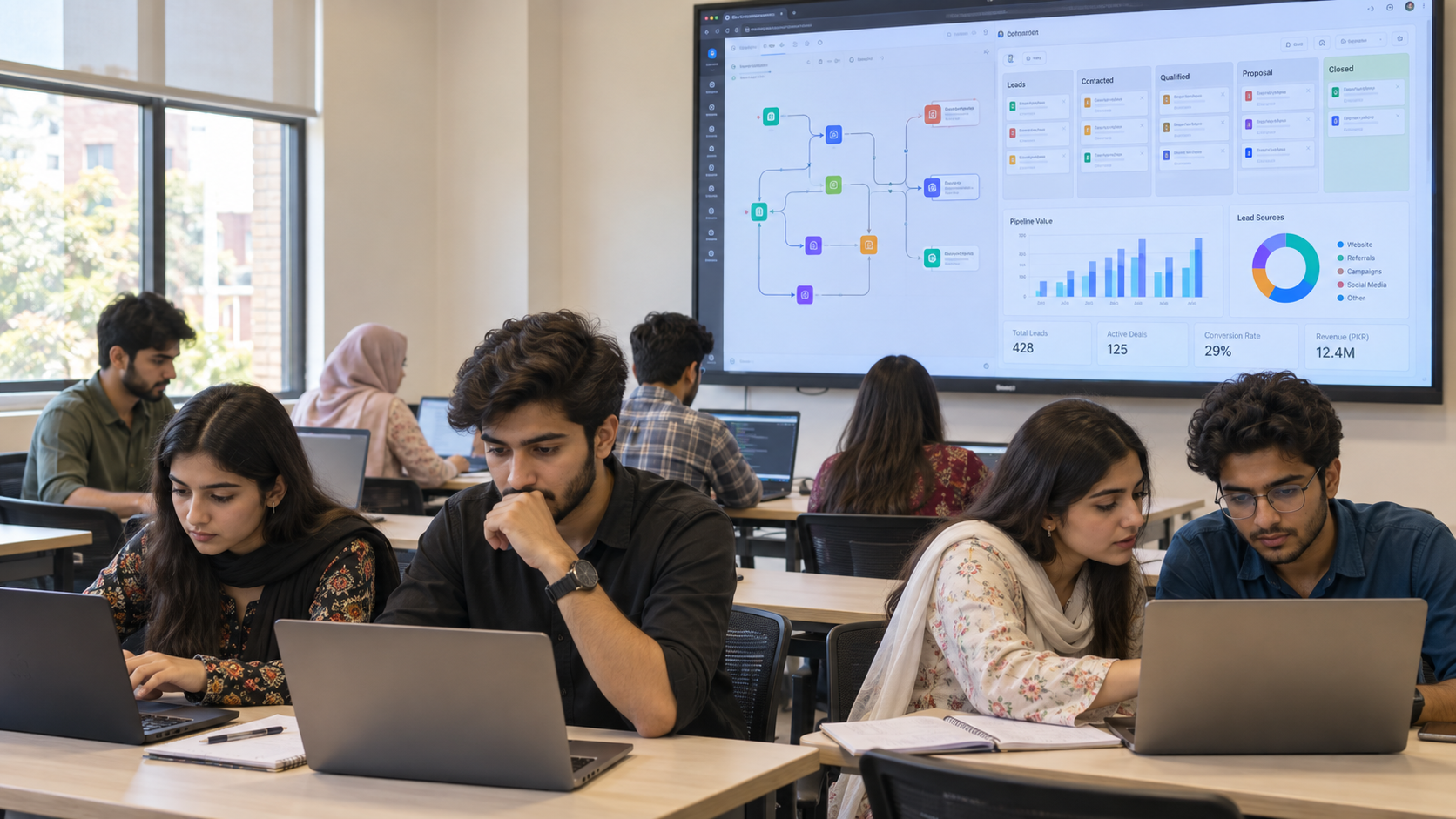
BIT students building practical systems together in an in-person class
LIVE
Instructor-led learning
APPLIED
Work with real tools
GUIDED
Build with feedback
PROJECT-BASED
Solve practical problems
EVIDENCE-LED
Graduate with demonstrable work
The BIT Applied Learning Model

Every program follows the same discipline: build and prove.

Subjects and technologies differ, but the learning process remains consistent across BIT professional programs.

01
Understand
Learn the foundations, terminology, use cases, limitations, and context behind the technology.
02
Observe
Watch an instructor plan, explain, and construct a complete system through a live demonstration.
03
Build
Recreate the system through guided practical work using the relevant tools and technologies.
04
Apply
Use the skills to solve a real business, career, creative, or operational problem.
05
Prove
Present a working project, documented capstone, campaign, application, or implemented system.
Inside a BIT Class

Less passive listening. More guided implementation.

A BIT session should move learners from understanding a concept to using it independently.

01
Concept briefing
Understand the problem, the system, and the expected result.
02
Instructor demonstration
Watch the complete process before rebuilding it.
03
Guided build
Follow the instructor while completing the practical implementation.
04
Independent practice
Repeat or adapt the system without copying every step.
05
Review and troubleshooting
Identify errors, limitations, and opportunities for improvement.
06
Applied assignment
Use the concept in a different scenario or business problem.
07
Documentation
Explain what was built, how it works, and what result it produces.
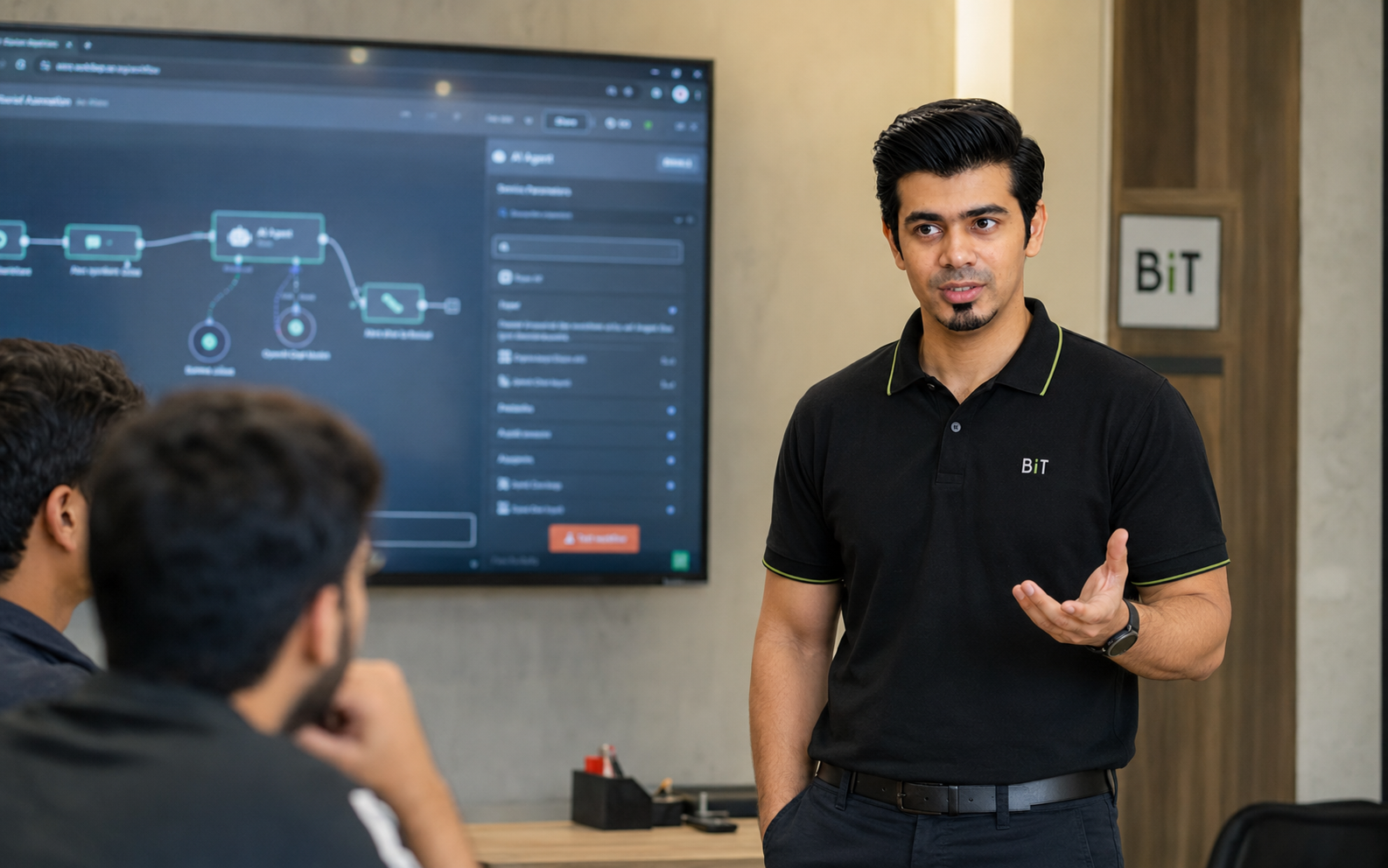
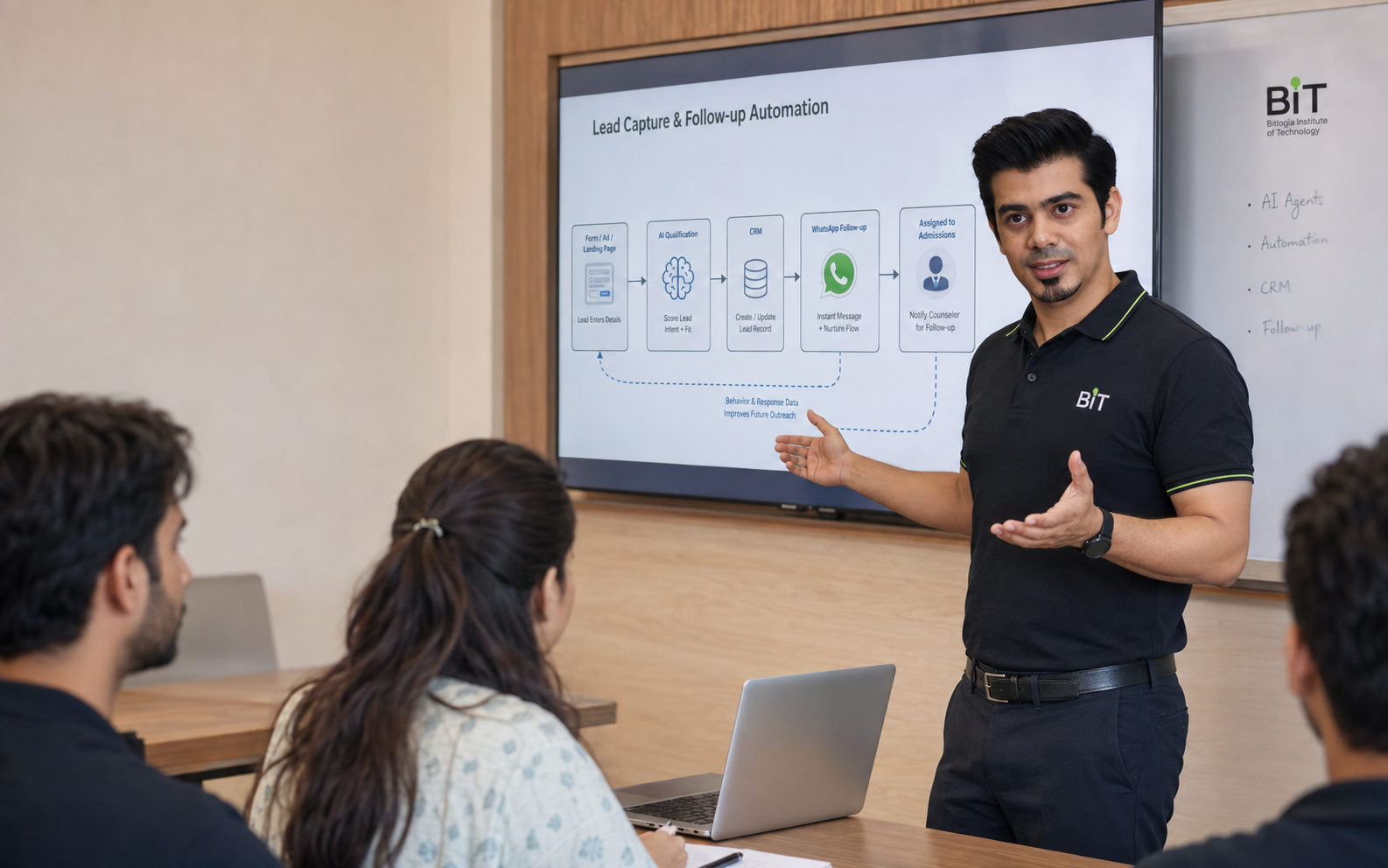
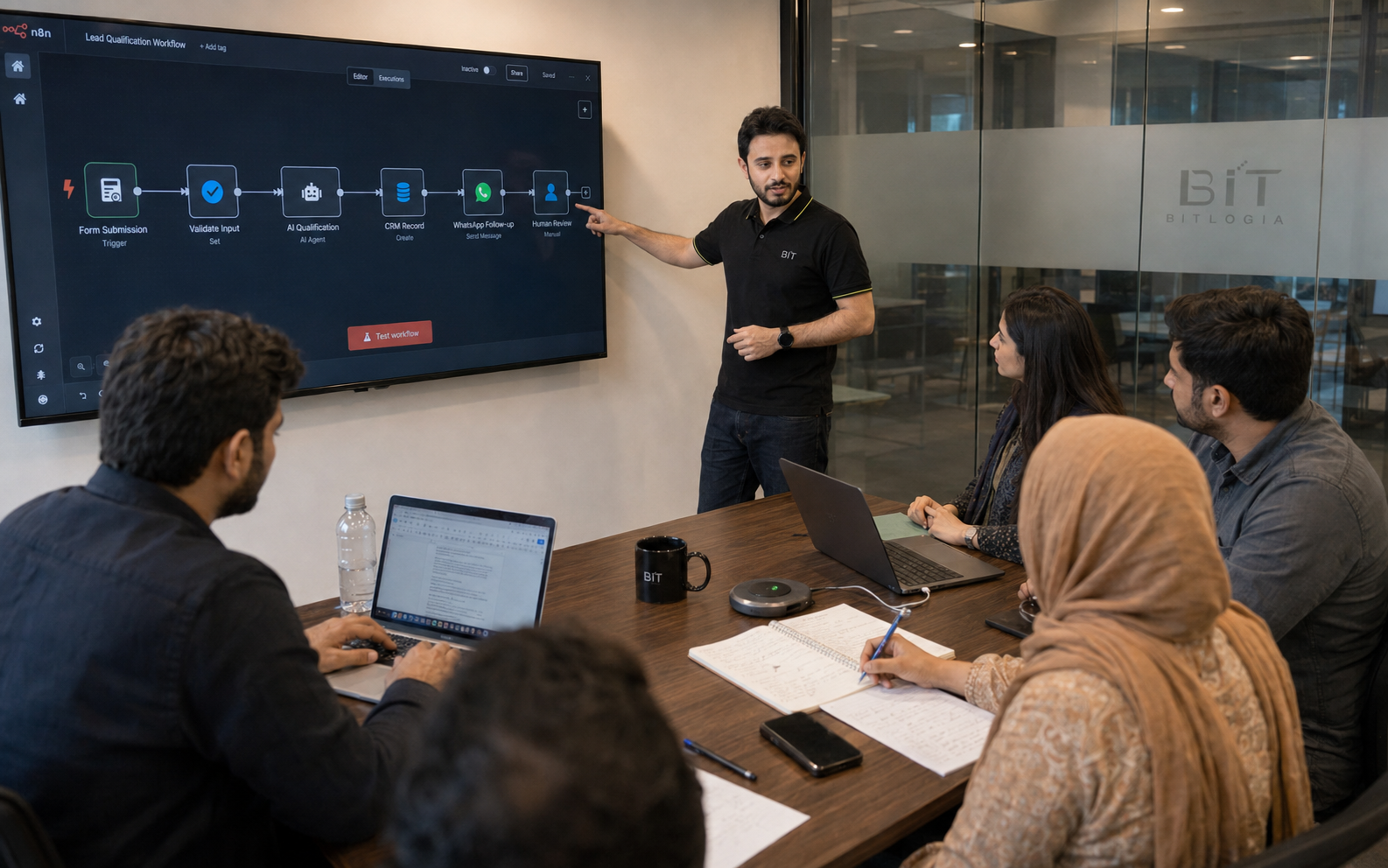
Dastgir Sabri demonstrating a lead-capture and follow-up automation during a live BIT practical class.
A complete workflow demonstrated before learners recreate and adapt it.
learners building
work being reviewed
Learning Through Output

You do not only study the technology. You build with it.

BIT professional programs end with evidence that can be demonstrated, reviewed, and discussed.

EXAMPLE PROJECT
Automated business workflow
A connected process that captures information, applies rules, performs actions, and records the result.
EXAMPLE PROJECT
Tool-using AI agent
An agent that understands an instruction, accesses approved information, uses defined tools, and completes a task.
EXAMPLE PROJECT
AI content-production system
A structured process for research, writing, visuals, video, review, and campaign delivery.
EXAMPLE PROJECT
Vibe-coded product
A working website, application, internal tool, or digital product built through AI-assisted development.
EXAMPLE PROJECT
CRM and revenue system
A complete lead-capture, pipeline, booking, communication, and follow-up process.
EXAMPLE PROJECT
Client-ready implementation
A documented system with a demonstration, use case, implementation notes, and proposal.

A project is more than a finished screen.

Problem
What real task or challenge is being addressed?
Plan
How should the process, user journey, or system operate?
Build
Which tools, data, integrations, and actions are required?
Test
What works, fails, or produces unexpected behaviour?
Improve
How can reliability, usability, and safety be strengthened?
Present
Can the learner clearly demonstrate and explain the result?
Feedback and Learner Support

Build with guidance — not in isolation.

Instructor feedback
Receive feedback on practical work, implementation decisions, errors, and project quality.
Troubleshooting
Understand why a system failed instead of only receiving the corrected result.
Assignment review
Review whether the work solves the stated problem and meets the required standard.
Peer learning
Learn through discussions, demonstrations, and exposure to different approaches.
Capstone review
Receive structured feedback before presenting the final project.
Online learner support
Use the communication and resource channels specified for the relevant program.
Tools Change. Principles Remain.

Learn the system — not only the software interface.

BIT programs use current platforms and AI tools, but the deeper objective is to understand workflow logic, data, user needs, communication, testing, safety, and implementation.

Understand the problem
User needBusiness processIntended result
Design the system
InputsDecisionsActionsOutputs
Use the tools
AI modelsAutomation platformsCRMsDevelopment tools
Test and improve
ErrorsSafeguardsQualityReliability
Assessment at BIT

A certificate should represent completed work.

The requirements may differ by program, but certificates reflect participation, practical completion, and the standards published on the relevant program page.

Registration alone does not automatically qualify a learner for a completion certificate. Read the Certificate Completion Policy.

Attendance
Practical exercises
Assignments
Quizzes where relevant
Project completion
Capstone demonstration
Documentation
Participation and conduct

One learning standard. Two ways to participate.

physical classroom — Faisalabad campus
Faisalabad campus
Learn in a focused physical environment through live instruction, demonstrations, collaborative work, project reviews, and direct classroom interaction.
· GCUF Road, opposite Gate No. 03· Physical instructor-led sessions· Practical demonstrations· Peer interaction· Campus workshops and events
Explore the Faisalabad Campus →
live-online class — screen share view
Live online
Join selected programs through live video, screen sharing, practical demonstrations, assignments, questions, and instructor interaction.
· Live rather than recorded-only· Screen-based demonstrations· Online assignments and resources· Instructor interaction· Available across Pakistan
Explore Live Online Learning →
Responsible Use of Technology

Build useful systems within responsible limits.

Human responsibility
Important medical, financial, legal, academic, and employment decisions should not be delegated blindly to AI.
Data awareness
Learners should understand what information a system collects, stores, and shares.
Testing and review
AI outputs and automations should be evaluated before being trusted in real operations.
Clear boundaries
Agents should use approved tools, information, permissions, and escalation paths.
Faculty Philosophy

Learn from people who build and implement.

BIT instructors combine practical experience with the ability to explain, demonstrate, review, and improve real work.

Current practical experienceStructured demonstrationsClear explanationsUseful feedbackResponsible technology useIndustry and business contextRegular curriculum updates
Meet BIT Faculty →
instructor reviewing student work
Career and Commercial Application

Learn where the skill creates value.

Explore Programs by Goal →
Careers
Build evidence relevant to roles involving AI, automation, CRM, product development, creative systems, and technology-enabled operations.
Freelancing and professional services
Develop portfolio work that can support automation, CRM, development, marketing, or creative-service offerings.
Business implementation
Apply systems to leads, customer communication, reporting, content, operations, and internal processes.
Career, employment, client, income, and business outcomes depend on the learner's previous experience, effort, communication, performance, and market conditions.
What Learners Are Prepared to Build

The outcome should be visible.

system screenshot — automation workflow
EXAMPLE BUILD
Lead-capture and follow-up automation
system screenshot — AI agent console
EXAMPLE BUILD
Tool-using support agent
system screenshot — vibe-coded application
EXAMPLE BUILD
AI-assisted booking application
Questions About Learning

How BIT education works.

Are BIT classes live?

BIT's main professional programs are instructor-led. The precise delivery format is stated on each program page.

Are BIT programs practical?

Professional programs are designed around demonstrations, guided builds, assignments, and project or capstone work where specified.

Will I complete a project?

The expected project output is stated on the individual program page.

Are recordings provided?

Recordings may be provided according to the policy of the relevant program. Live attendance remains important for demonstrations, interaction, troubleshooting and feedback.

How are learners assessed?

Assessment may include attendance, assignments, practical exercises, project completion, documentation, and presentations.

Do I need previous technical experience?

Requirements vary. Each program page explains its level and prerequisites.

Is online learning recorded-only?

Selected BIT online programs are delivered live through screen sharing, demonstrations, interaction, and practical work.

Does BIT guarantee a job or income?

No. BIT provides education, project development, and career preparation, but outcomes depend on multiple learner and market factors.

Choose what you want to build next.

Explore a professional program, attend a practical masterclass, or speak with BIT Admissions about the pathway that fits your goals.
Explore Programs Attend a Masterclass Speak with Admissions →